


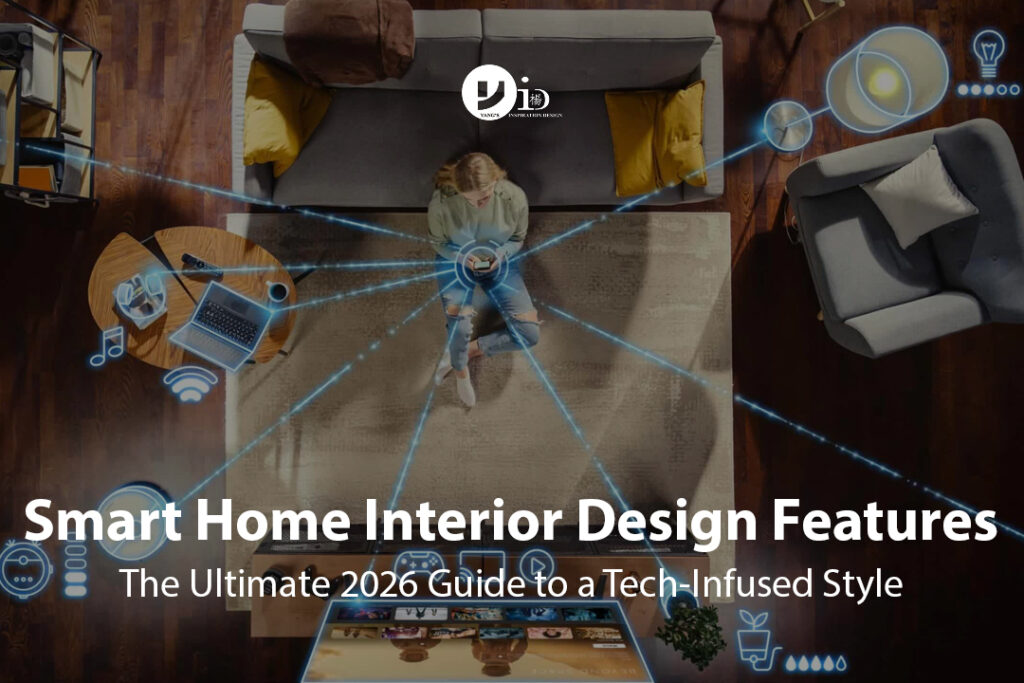
Smart home interior design means planning connected controls, lighting, appliances and cabling as part of the room layout, rather than adding disconnected gadgets after renovation. The aim is a home where everyday tasks are easier and switches, equipment and service access fit the interior.
For a Singapore HDB flat, condo or landed home, begin with the routines you want to improve: switching off selected lights when leaving, closing curtains for privacy, or controlling a compatible air-conditioner before bedtime. Design around useful routines before choosing products. Our residential interior design services provide a starting point for discussing the layout and renovation brief.
Which Smart Home Features Are Worth Planning?
Lighting With Familiar Manual Controls
Identify which lights need on/off control and which genuinely need dimming or scene settings. Check the fitting, driver and control compatibility together. Keep convenient wall controls so household members and visitors can use the room without finding a phone or learning voice commands.
Curtains Planned With the Ceiling and Carpentry
Before specifying motorised curtains, coordinate the track length, curtain weight, motor position, power supply and access for maintenance. Leave room for the fabric to stack without covering too much of the window. A concealed track should still be reachable when a component needs attention.
Air-Conditioning Controls Matched to the Actual Equipment
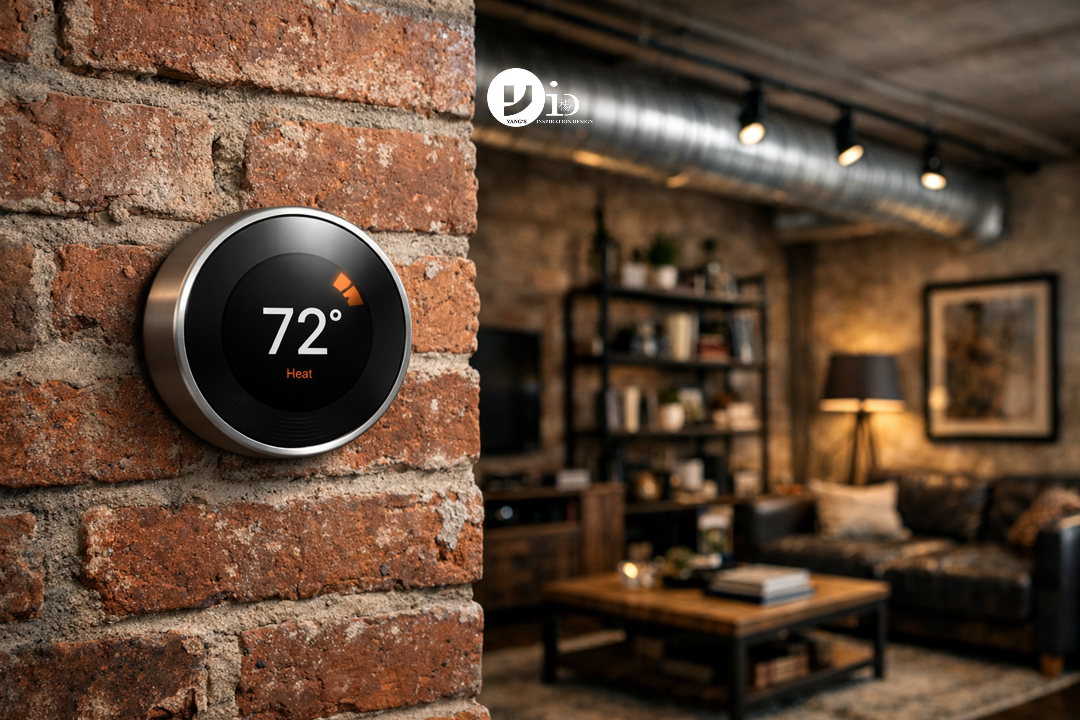
Ask the installer which controls work with your air-conditioner model and which functions they support. Do not assume a thermostat designed for another system will operate a local split-unit installation. Check whether a controller provides confirmed equipment status or only sends commands, and retain the manufacturer’s normal control method.
Entry and Security Features With Clear Ownership
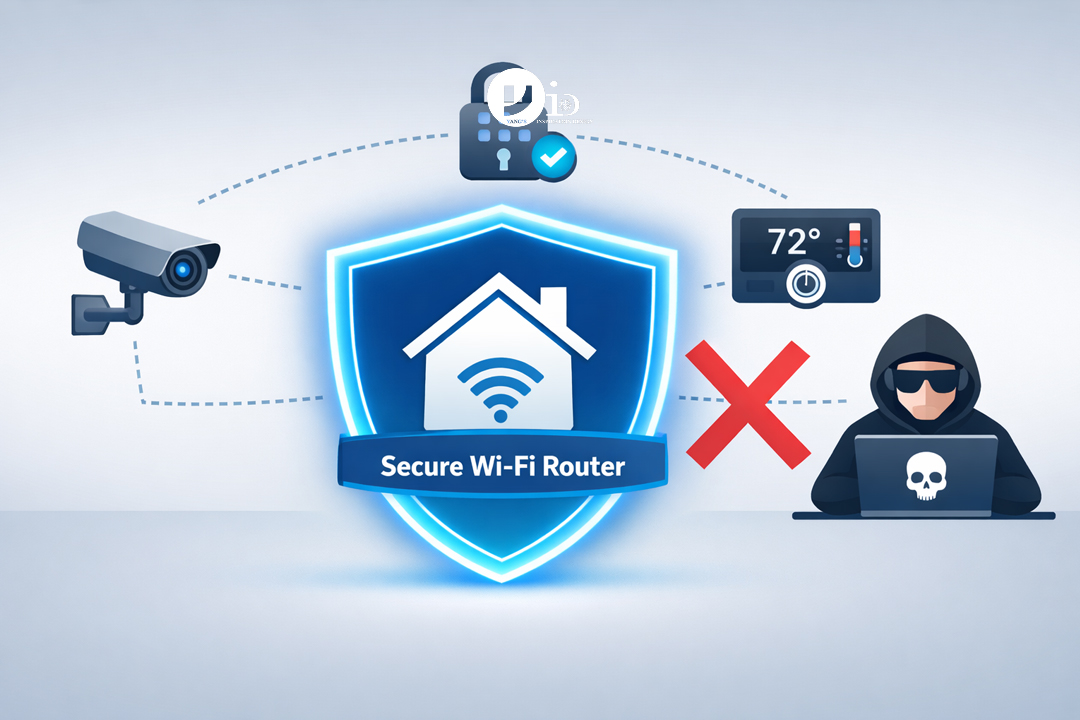
Plan the location, power needs and access permissions for any connected lock, camera or doorbell before installation. Consider who receives alerts, who manages user accounts and how visitors enter if a device is unavailable. Check the suitability of changes to the existing door and any development requirements with the installer and relevant management.
Accessible Network and Equipment Locations
Plan network coverage around the actual rooms and construction, especially across levels in a landed home. Discuss access-point locations and any wired connections with the installer. Avoid sealing routers, controllers or power supplies in a decorative cabinet that prevents ventilation or routine replacement.
Make Technology Fit the Interior
Choose control locations while planning furniture and door swings. A switch hidden behind a wardrobe is inconvenient whether it is connected or conventional. Group controls logically, keep frequently used functions easy to reach and agree the appearance of visible faceplates before finishes are selected.
Conceal wiring where appropriate, but distinguish concealed from inaccessible. Include removable access where equipment requires servicing and record cable routes in the handover information. Test equipment placement before finalising joinery; a clean-looking installation is not useful if it makes replacement unnecessarily difficult.
Check Compatibility Before Buying Devices
Choose the household’s preferred control platform, then check the exact model and supported features of each proposed device. A shared brand name or wireless connection does not establish that every product works together. Ask the installer to demonstrate the routines you actually intend to use.
The Connectivity Standards Alliance describes Matter as a connectivity standard using Wi-Fi, Thread and Ethernet, with support for sharing devices across platforms. Still check the device’s certification, controller requirements and supported functions before purchase.
New Renovation or Retrofit: What Changes?
During a renovation, coordinate electrical requirements, cable routes and equipment locations before finishes and carpentry are fixed. Some controls require particular wiring arrangements; have the electrician confirm suitability rather than choosing a switch on appearance alone.
For a finished home, start with a small, reversible installation that answers one clear need. Check the location of sockets, network coverage and the appearance of any visible cables. Expanding gradually can help you find out whether the household actually uses a feature before investing in a whole-home system.
Test Failure Modes, Not Just the Demonstration Scene
- Can essential lights and equipment still be operated manually?
- Which functions continue if the internet connection is unavailable?
- What happens after a power interruption?
- Who can add or remove users and reset the system?
- Are subscriptions or remote services needed for the features you selected?
- Can individual components be replaced without rebuilding the entire installation?
Ask the installer to explain each answer for the proposed equipment. Local operation, remote access and automation are different capabilities; do not assume that one implies the others.
Budget for Installation and Ongoing Use
Compare hardware, electrical work, network equipment, programming, subscriptions and aftercare separately. Ask what the quotation includes for setup, testing and household training. Energy savings depend on equipment and usage; a connected feature should not be selected on an unverified promise of lower bills.
A useful handover includes the installed model list, account ownership, warranty details, manual operating instructions and a contact for faults. Set up owner-controlled accounts rather than relying indefinitely on an installer’s personal account.
Bring a Practical Smart Home Brief to Your Designer
List three routines you want to improve, the devices you already own and your preferred manual controls. Bring your floor plan and identify where you are comfortable seeing switches, access panels and equipment. Discuss the interior layout with Yang’s Inspiration Design, then confirm technical compatibility and installation scope with the appropriate specialists.
Frequently Asked Questions
Can I Add Smart Features Without a Full Renovation?
Often a limited setup can be added to an existing home, depending on power, wiring, network coverage and equipment compatibility. Start with one useful feature and verify the installation requirements before expanding.
Does Every Smart Device Need the Same App?
No, but using several apps can complicate daily operation. Agree the main control platform and test the proposed integrations. Check which functions remain available through the original manufacturer controls.
Will Everything Stop Working Without Internet?
It depends on the products and configuration. Ask for a demonstration of local and manual operation, and identify functions that rely on remote services before committing to the system.
Is Smart Home Design Only for Landed Houses?
No. A small flat can benefit from a few well-planned controls. Match the scope to the household’s routines rather than the property’s size or a long list of features.


January 14, 2026
Yang's Inspiration Insight