


Key Takeaways
- Choose automation around repeated household tasks, rather than the number of connected devices.
- Plan network coverage and cable routes across every storey before closing ceilings and walls.
- Keep familiar physical controls and confirm what works when the internet is unavailable.
- Compare installation, programming, subscriptions and ongoing support within the same scope.
A smart home system for a landed house can be worthwhile when it simplifies everyday routines across several floors. Its value depends on reliable coverage, useful controls and support that your household can maintain. Start with the tasks you want to improve, then decide how much integration those tasks require.
For example, turning off selected lights from the bedroom may be useful every night. A complicated scene that nobody remembers how to activate adds less value. The best brief describes daily life before it names products.
Use Cybersecurity Guidance as Part of Your Brief
Singapore’s Cyber Security Agency provides a Cybersecurity Labelling Scheme for consumer smart devices. It helps buyers distinguish products by their cybersecurity provisions. Check whether a proposed device is covered and review its current listing when comparing equipment.
A label is one part of selection. Also ask who manages updates, how long the manufacturer expects to support the product and whether the installer will transfer administrator access to you. A convenient system still needs clear ownership after handover.
Define What a Smart Home System for a Landed House Should Do
Write down three routines that involve several rooms or storeys. These might be leaving home, settling down at night and preparing the living area for guests. Identify the lights, blinds or air-conditioning controls involved in each routine.
Next, separate essential functions from optional conveniences. A wall switch that operates predictably matters more than an elaborate voice command. Family members, visitors and domestic helpers should be able to use the home without borrowing the administrator’s phone.
Keep the brief measurable. Instead of requesting a fully smart house, ask for selected circuits to switch off from the entrance, bedroom blinds to operate independently and chosen functions to remain available without internet access. The installer can then demonstrate those requirements.
Plan Network Coverage Across Storeys
Multi-storey houses need a network plan based on their layout, construction and equipment locations. Do not assume that a powerful router near the entrance will provide dependable coverage in an attic bedroom or rear kitchen. Ask for a site assessment and coverage testing.
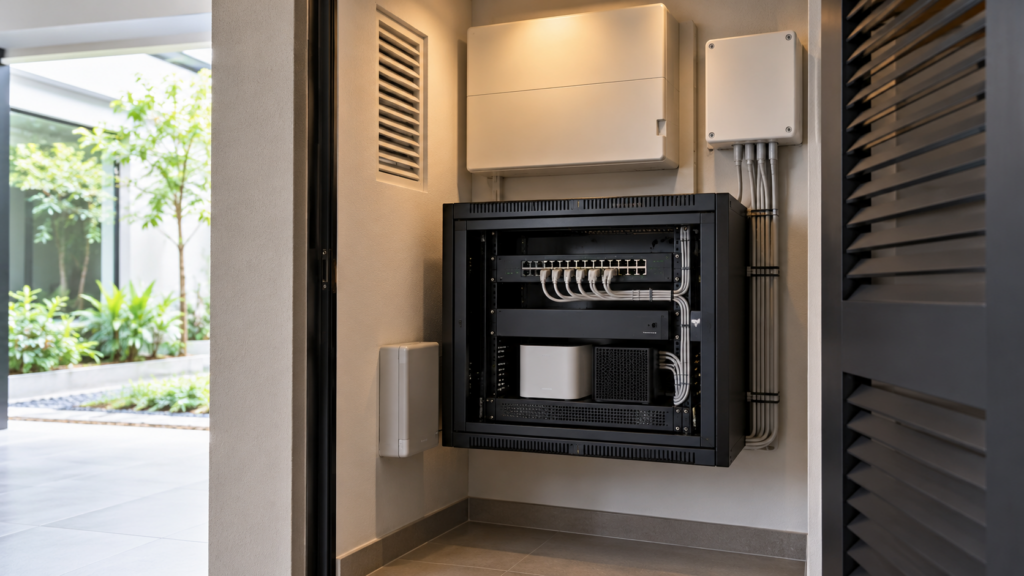
Mark workspaces, televisions, access points and control equipment on the floor plans. Discuss wired connections where appropriate and coordinate cable routes with the renovation team. Keep equipment accessible for servicing, with ventilation suitable for the devices being installed.
The number of access points should follow the design and testing, rather than a fixed rule of one per floor. Ask how the installer will check performance after doors, cabinetry and furnishings are in place. A drawing alone does not confirm the finished result.
Record the network layout at handover. Labelled connections and a simple equipment schedule make future troubleshooting easier, particularly when different contractors handle internet access, automation and audiovisual equipment.
Compare Wired, Wireless and Mixed Systems
A wired control system may suit extensive renovation when cable routes can be coordinated early. It still needs a clear equipment specification, programming and maintenance arrangement. Ask how individual components can be replaced and whether another qualified service provider can support the installation.
Wireless devices can reduce some additional control cabling and may suit selected upgrades in an existing home. However, check power requirements, communication range, battery maintenance and compatibility. Wireless control does not mean every device operates without a power connection.
A mixed approach can be practical: plan dependable network infrastructure while using wireless sensors or selected room controls where appropriate. Obtain a written compatibility schedule covering the exact models and required features, rather than relying on a broad promise that everything connects.
Coordinate Lighting, Cooling, Blinds and Security
Lighting scenes work best when circuits already reflect how the rooms are used. Group task lighting, general lighting and feature lighting thoughtfully, and confirm dimmer compatibility with the selected fittings. Coordinate these choices with the wider lighting and electrical plan for your landed house.
For air-conditioning controls, establish what the integration actually provides. Turning a unit on remotely is different from receiving reliable operating status or adjusting every setting. Ask the supplier to demonstrate the proposed functions with the specified equipment before committing.
Motorised blinds require coordination of power, tracks, pockets and service access. Retain a straightforward way to operate them locally. Position controls where family members naturally reach for them, instead of hiding every switch for a cleaner photograph.
For cameras, intercoms and access controls, discuss permissions, recording storage and the procedure for lost phones or changed household members. Request clear explanations of failure behaviour and manual access. Security functions deserve their own review, rather than being bundled into an entertainment demonstration.
Match the Investment to the Renovation Scope
A starter scope might cover a few lighting circuits and selected blinds. A broader scope could coordinate the main living areas and bedrooms. Whole-house integration may add audiovisual control, more extensive programming and a continuing support arrangement. These are scope tiers, not fixed price bands.
Ask each quotation to separate equipment, cabling, installation, programming, commissioning and training. Include any subscriptions, remote support charges and later scene changes. Compare the same room and device schedule so that a lower total does not hide missing functions.
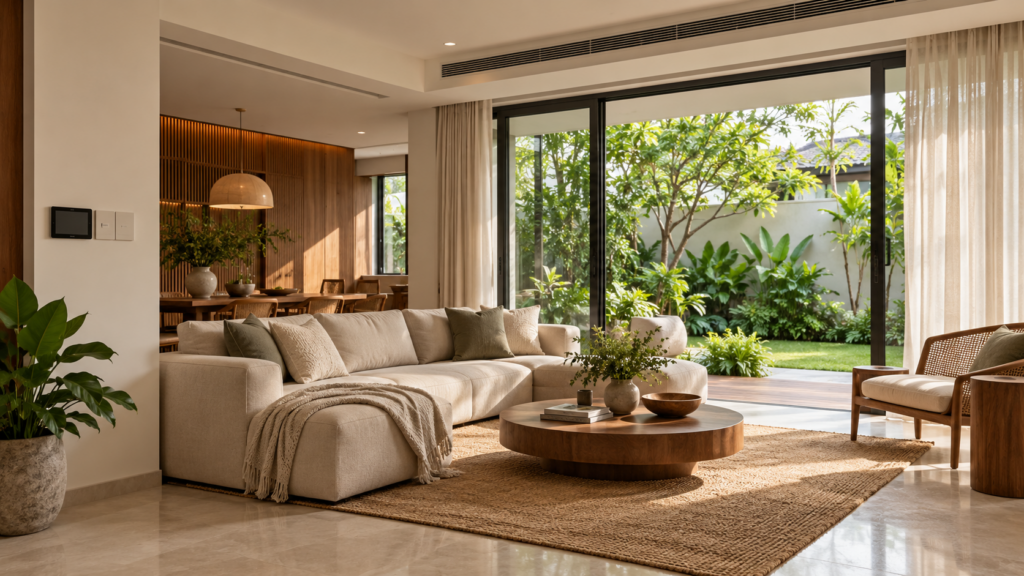
In a modern luxury landed interior, discreet integration can protect the visual design while improving convenience. It is still sensible to keep controls understandable. Expensive finishes do not make a complicated interface easier to use.
For a dedicated entertainment room, coordinate automation with the home theatre design and audiovisual layout. Confirm which supplier owns the complete start-up sequence, including lighting, blinds, display and sound, so that problems do not fall between contractors.
Test Fallbacks and Prepare for Handover
Ask the installer to demonstrate what happens when internet access is interrupted, a phone is unavailable or a controller restarts. Local operation varies between products and installations. Confirm the specific behaviour you need in the scope instead of assuming that every function will continue.
Keep a handover pack containing the equipment list, relevant drawings, warranties, backup instructions and support contacts. Transfer account ownership securely and remove temporary installer access unless an agreed support arrangement requires it. Agree how future changes will be authorised and charged.
Where practical, reserve accessible routes for future cabling during renovation. This can make later changes less disruptive, but no system is permanently future-proof. The useful goal is a home that can be maintained and adapted without unnecessarily reopening finished surfaces.
Choose the smallest coherent system that meets your routines well. If the proposal solves repeated tasks, works reliably across floors and has clear ongoing support, it deserves consideration. If the benefits remain vague, simplify the brief before expanding the equipment list.
Frequently Asked Questions
Does Every Room Need Smart Controls?
No. Start with rooms and routines where automation provides a clear benefit, such as shared living spaces or bedtime lighting. Keep ordinary controls elsewhere if they work well. A smaller, consistent system can be easier for the household to understand and maintain over time.
Can Smart Devices Work Without the Internet?
Some functions can operate locally, while others depend on cloud services or an internet connection. Ask the installer to demonstrate the exact proposed setup offline. Record which switches, scenes and remote functions remain available, and make sure the fallback matches your household’s needs.
Should Cabling Be Planned Before Renovation Starts?
Yes, discuss cable routes, equipment locations and access requirements during design coordination. Early planning can reduce later disruption to completed surfaces. The final specification should follow the selected system and site conditions, with appropriate professionals handling electrical work and testing before the installation is handed over.
Will Automation Automatically Reduce Electricity Bills?
No automatic saving should be assumed. Timers and controls may help avoid unnecessary operation, but results depend on equipment, settings and household behaviour. Evaluate convenience first, request realistic explanations of energy features and compare actual usage if you want to assess any change after installation.

October 21, 2026
Yang's Inspiration Insight